
Searching Cases by Name
Mercer County runs more than one record stream. For Common Pleas General and Domestic Relations cases, start at the Clerk Legal Division's CourtView landing page and move on to CourtView. Felonies and larger civil matters sit in that stream. For municipal traffic, misdemeanor, civil, small-claims, and parking cases, go to Celina Municipal Court's CaseLook search. Know the court first. Then a name search works far better.
At CaseLook, accept the notice and type a first and last name. Pick the displayed case categories that fit. The form warns against combining a person's name with a company name. Too many matches? Add sharper details, like a hearing date or case type, instead of more names. A party name simply identifies a person or entity in the case. It does not open every filing or attachment to public view.
- Identify the Mercer County court stream from the notice, citation, or type of case.
- Open CourtView for Common Pleas General or Domestic Relations records, or CaseLook for Celina Municipal Court records.
- Enter the name and select only the relevant CaseLook group when that form is used.
- Open the matching case, compare the caption and number, then read the newest docket entry before relying on an older event.
Note: Similar names show up across Mercer County results. Check the case caption and court before trusting any docket entry.
Mercer County CaseLook Case Search Fields
CaseLook offers the municipal stream several search routes. Its public form searches by person name, company name, or birthdate. Case number, file date, and license number are there too. So are ticket number, hearing date, and violation date. You can pick which municipal case categories to include. Those fields belong to the Celina Municipal Court channel alone. The page makes no published claim about CourtView's field list.
| Field Label | Type | Required | Mercer County Notes |
|---|---|---|---|
| Person’s First Name / Last Name | Text | Unspecified | Each field allows up to 64 characters; use a person name or company name, not both. |
| Company Name | Text | Unspecified | For a company or business name only, up to 64 characters. |
| Case Number | Text | Unspecified | CaseLook labels this as numbers only and allows up to 16 characters. |
| Ticket Number | Text | Unspecified | A separate field, with up to 23 characters. |
| File, Hearing, or Violation Date | Date | Unspecified | Use one date that is known rather than adding every possible limit. |
| Case Types to Include | Checkbox group | Defaults selected | Traffic, criminal, civil, small claims, and parking groups are displayed. |
The Mercer Probate public search entry screen offers another local path. It runs separately from CourtView and CaseLook alike.
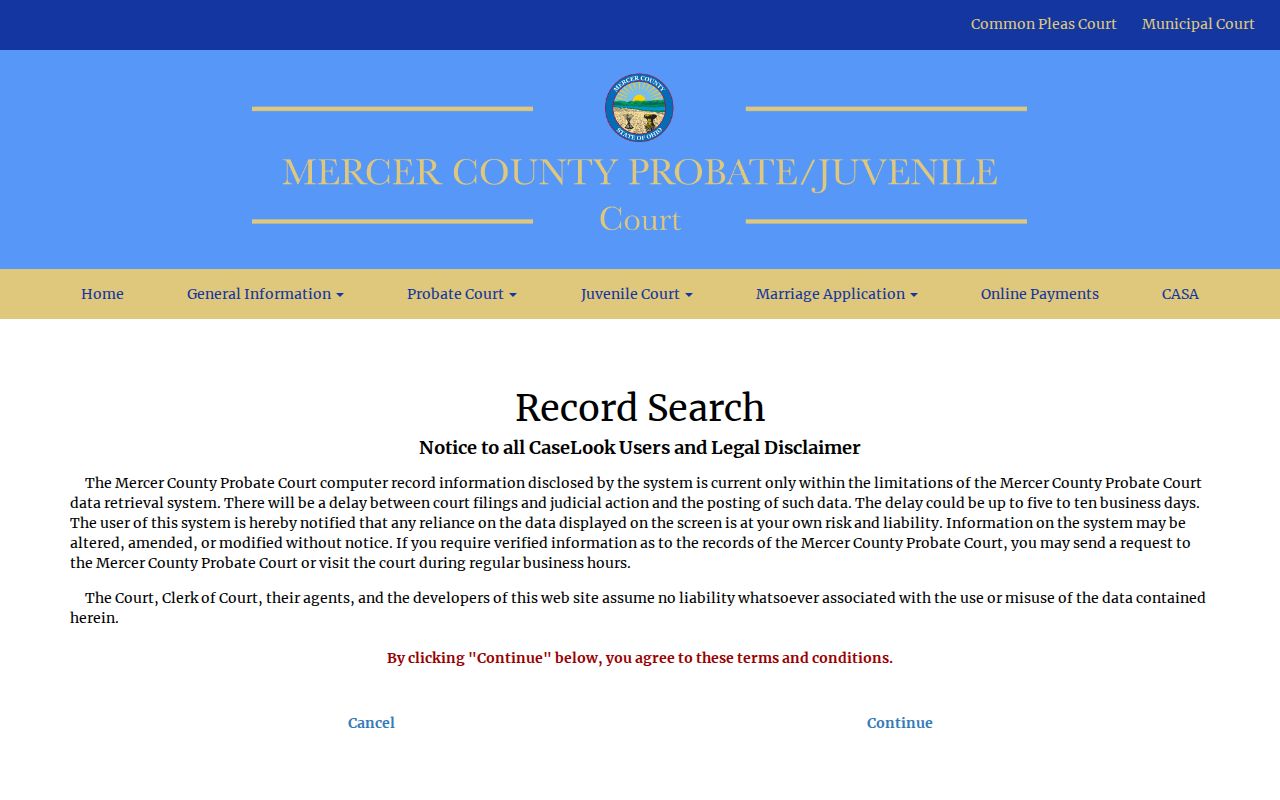
That separate Probate screen carries a lesson. Route any Mercer County court case search by division first. Only then do the results mean what they seem to mean.
Searching by Case Number
A case number is the court's own identifier. That makes it the cleanest Mercer County search key. It often appears on a summons, notice, citation, or prior docket entry. In CaseLook, type the digits into the Case Number field. The field is labeled numbers only. It accepts up to 16 characters. Do not put a ticket number there. CaseLook gives tickets their own field. It takes up to 23 characters. A citation identifier and a court case number can be two records of the same municipal matter.
Mercer County publishes no format that would justify inventing a year-and-code pattern for every court. Enter the number exactly as supplied. An example is 1234567890123456. Use it only when it is a 16-digit-style entry drawn from the CaseLook field limit. It is not a claimed local format. For Common Pleas, use the number printed on the court paper in CourtView. Keep it handy when asking the Clerk Legal Division to pull the original record.
No result? Confirm the right court and the right field. A blank screen can reflect a posting delay. It can also mean a different division, a restricted record, or a typo. It is not a ruling that no Mercer County case exists.
Mercer County Probate Case Search
Probate does not hide inside the Common Pleas Legal Division or the Celina Municipal results. Mercer County gives Probate its own Common Pleas division. It has its own record channel for questions. The public Probate entry screen takes one search datum at a time. That limit matters. Enter a single detail and run the search. Refine only after the result comes back.
The Probate screen also warns that online entries may lag five to ten business days. CaseLook posts a different caution for the municipal side. There, court filings and judicial action can lag at least 24 hours, possibly longer. So treat fresh Probate questions as business for the Probate Division itself. Do that whenever the online result is absent or too new to trust.
What a Case Search Returns
A Mercer County search result is an index, not a certified copy. Read it in sequence. Case number and court come first. Then parties or counsel, chronological entries and documents, hearing settings, and finally orders or disposition. A disposition is simply the recorded outcome. The entry or order behind it often means more than a short status label.
| Case Number | The identifier to save for the right Mercer County court or clerk. |
|---|---|
| Caption / Parties | The case title and people or entities involved, useful for separating similar names. |
| Case Type | The displayed group or court category. In CaseLook, filters include traffic, criminal, civil, small claims, and parking. |
| Chronological Entries | The docket’s sequence of filings, notices, settings, and other court activity. |
| Hearing Setting | A future court event that should be checked against the newest notice or order. |
| Order or Disposition | A court directive or recorded outcome. Ask the record-holding clerk for a verified copy when one is needed. |
Common Pleas materials appear in CourtView as a convenience. The county attempts daily updates, yet it also states that the original court documents control. That distinction is the point. A case search helps you locate and understand a Mercer County record. It is not a substitute for the record itself.
Mercer County Case Search Type Filters
CaseLook sorts Mercer County cases into filter groups rather than spelling out a full code list. Traffic cases fall under TRC and TRD. Criminal cases use CRA and CRB. Civil spreads across CVE, CVF, CVG, CVH, and CVT. Small claims shows up as CVI, while parking runs under PRK and TRP. Treat these labels as the court displays them. Pick the closest group and skip guessing at hidden internal meanings, because traffic and criminal filters stay separate even inside the same municipal interface. A tight filter choice cuts the noise and makes the next docket review easier. CaseLook also offers 25, 50, 100, and 250 as match choices. Those set how many results appear per page. They are display limits only, not a tally of every Mercer County record out there.
Statewide vs County Case Search
Ohio runs no single statewide trial-court portal that reaches every Mercer County record stream. The state supplies directories, rules, aggregate eStats reporting, and appellate tools, yet a Mercer County trial-court case search still begins at the county or division channel. CourtView, CaseLook, and the Probate or Juvenile divisions each carry their own coverage and access limits.
| Search Route | Coverage | Best Use |
|---|---|---|
| Mercer CourtView eServices | Common Pleas General and Domestic Relations public-access stream | A known felony, major civil, or Domestic Relations matter; confirm with the Clerk Legal Division if needed. |
| Celina CaseLook | Municipal traffic, criminal, civil, small claims, and parking | A countywide adult municipal case, ticket, hearing date, or court calendar lookup. |
| Probate or Juvenile inquiry | The relevant division’s record stream | A matter outside the two general public portals, subject to division access rules. |
| Third District Court of Appeals | Appeals, not trial-court case searching | A separate appellate matter after a trial-court proceeding. |
For a municipal case found in CaseLook, the Mercer County court calendar adds useful date context. Still, the latest case entry and clerk confirmation control.
Mercer County Case Search Boundaries
CourtView eServices is the verified public channel. It covers Mercer County Common Pleas General and Domestic Relations records. Its live interface is dynamic. The safe approach is to use the options the portal shows at the time of your search. Never assume fields exist. The county's Legal Division states that CourtView is updated daily as an effort. It can change without notice. It never replaces the official document. So when a CourtView search shows a discrepancy, lacks an image, or involves an older matter, call the Clerk Legal Division. Do not read meaning into the portal's silence. The Common Pleas office also keeps a public-access terminal in the clerk's office during regular business hours under Local Rule 29.
Mercer County Case Search Verification
CaseLook warns that filings and court action may appear at least 24 hours after they occur. Sometimes they appear later. Its notice points anyone needing verified information to Celina Municipal Court itself. CourtView follows the same local pattern in a different form. It serves as a handy current index. But the Clerk Legal Division keeps the official Common Pleas record.
The Mercer County public-records policy is the fallback for records required by law. It explains that nonpublic information may be reviewed or redacted before release. It cannot override a court order. Nor a sealing rule, a statute, or a local court rule. Does a portal result leave the question open? Then name the case number, the court, and the exact document or detail you need.
The official Mercer County public-records policy page sets out the local route. It serves requests that go beyond an ordinary docket search.
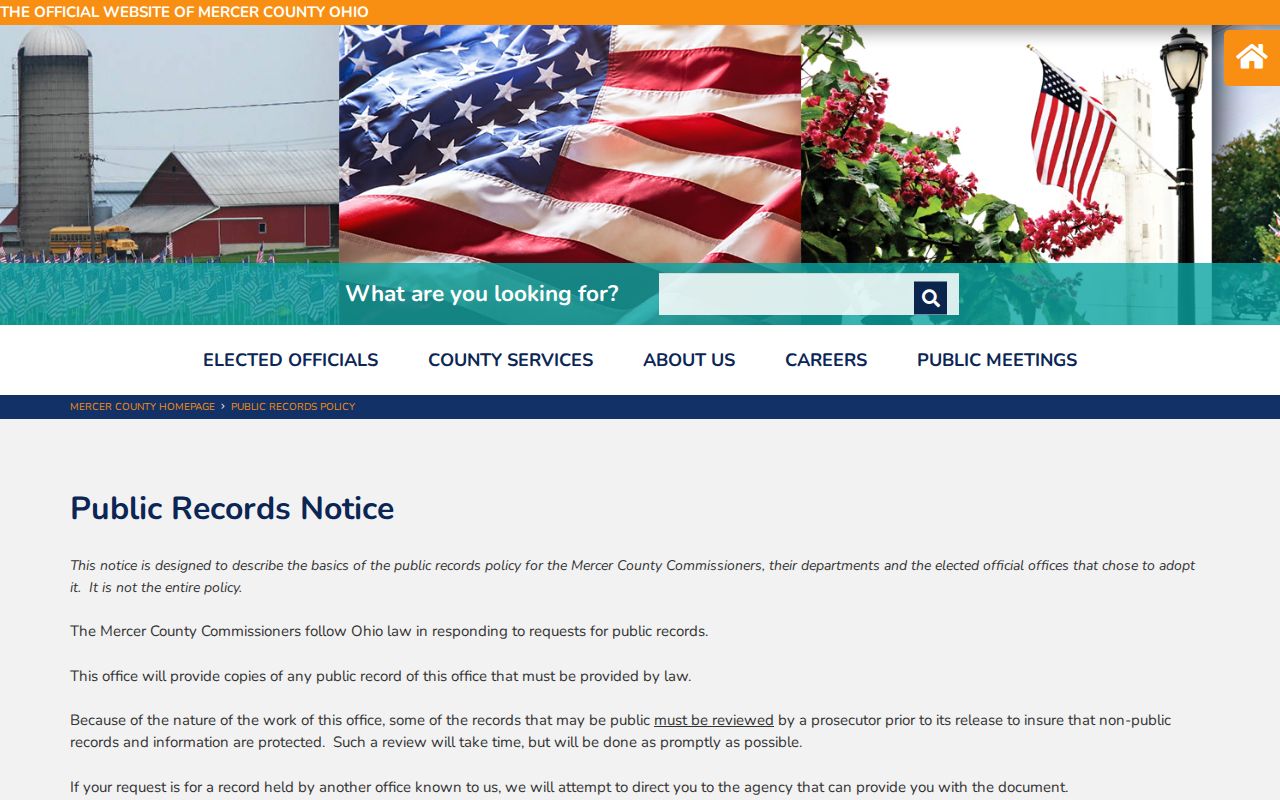
That policy is a practical fallback. The court or clerk holding the Mercer County case still gives the official court response. The Clerk of Courts online payment page shows one such separate legal-division service channel.
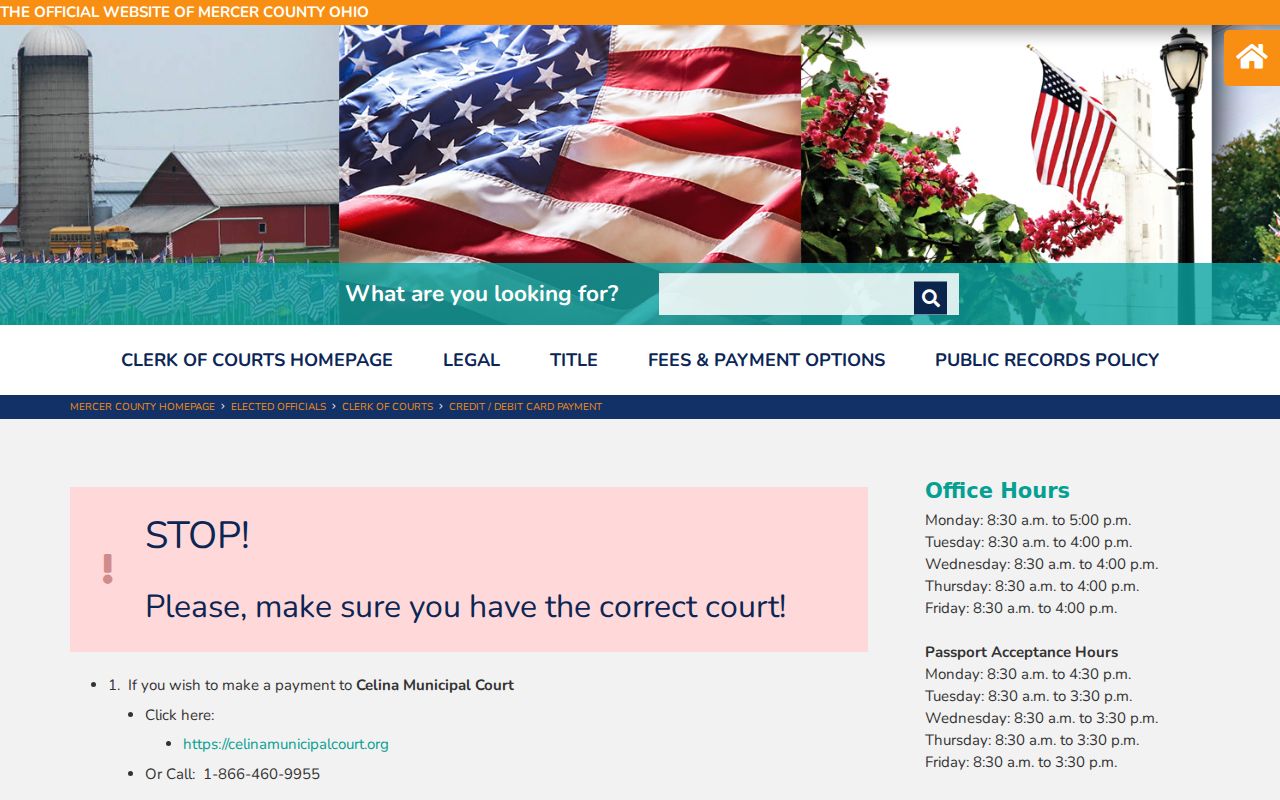
Payment availability is not a case-search result. It does not mean every matter can be resolved or paid online.
Access and Restricted Cases
Public access to Mercer County court information follows the Ohio Rules of Superintendence. It also follows other governing law. That includes the Ohio Public Records Act, R.C. 149.43, where it applies. Court records are generally open. Still, remote access limits and redaction can change what a public search shows. So can sealing and a specific court order. A docket entry can be visible while the filed document itself stays restricted.
Juvenile matters call for special care. The Mercer County Juvenile Division keeps that stream. Many juvenile reports and records are confidential under rule. A failed juvenile search does not mean no proceeding existed. Probate records demand their own division-specific inquiry rather than an assumption they will surface in CourtView or CaseLook. Sealed or expunged adult matters can be unavailable under the court's order and the applicable statute.
The official R.C. 149.43 text supplies the broader public-record framework that works alongside the court-record rules.
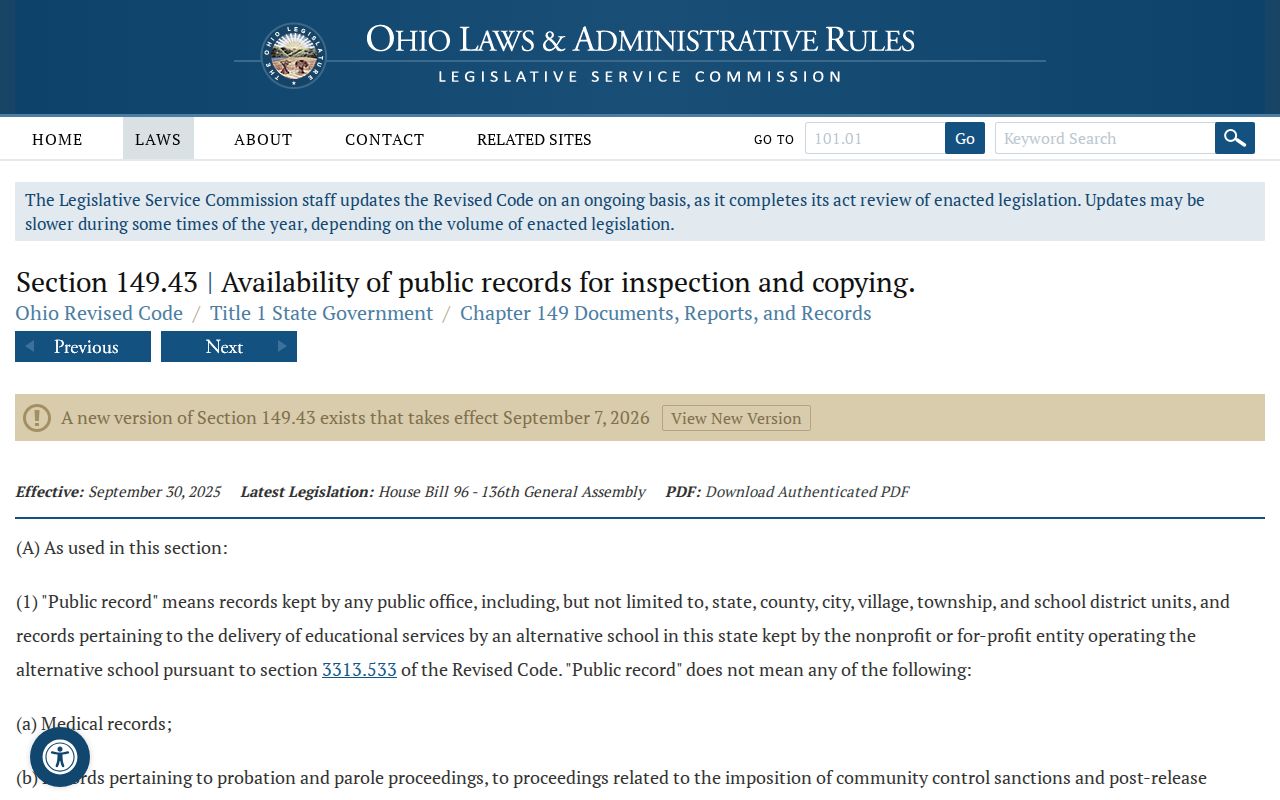
For a restricted Mercer County case, ask the record-holding division about the governing procedure. A missing online result is never a complete answer. Note: A search result may identify a public docket entry even when a related document requires clerk review, redaction, or a court-authorized request.